Alternative to Kestra for workflow orchestration

Kestra is an event-driven orchestration platform that allows developers to build and run workflows declaratively in code.
We have tested and conducted performance benchmarks on Kestra, and this page outlines our conclusions. Please note that the content is written by Windmill; feel free to contact us for any requests or modifications.
- Open source
- Language support and dependencies
- Architecture and development experience
- Features comparison
- Performance
- Pricing
- Conclusion
Open source
Both Windmill and Kestra are fully open source and can be self-hosted. They both offer an easy installation process through Docker, with pre-populated tutorial flows to help users get started.
Windmill provides and integrates into its platform a public community Hub where users share useful and proven scripts, flows, and applications.
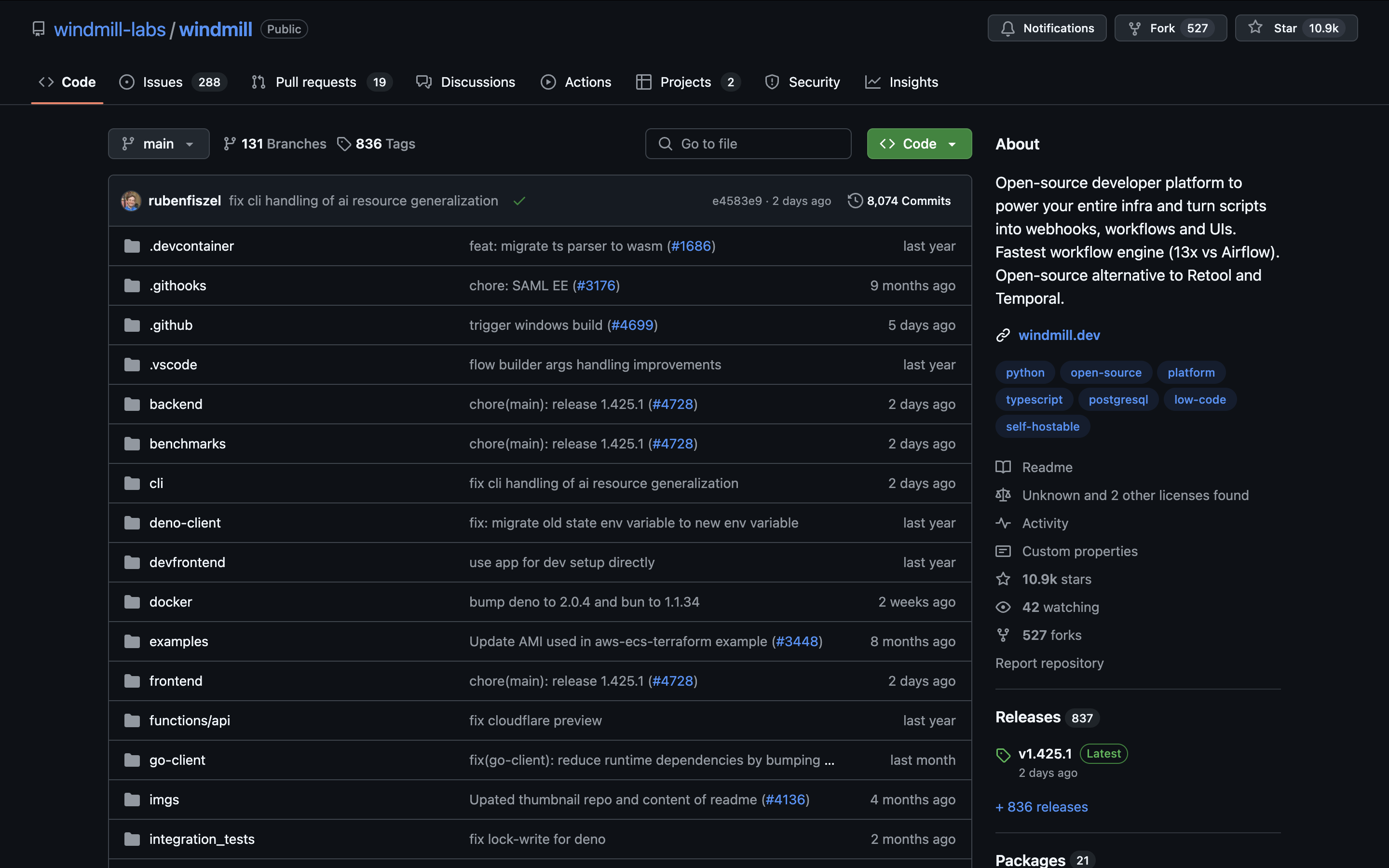
Windmill Git repository
Language support and dependencies
Kestra provides native support for Python, R, Node.js, Julia, Ruby, Shell, and PowerShell scripts. Additional language support is available through Docker containers. While this offers flexibility, there are some key differences in how dependencies are handled:
- In Kestra, dependency caching and pre-installed dependencies need to be managed manually by the user
- Windmill automatically handles dependency installation and caching, allowing developers to focus on writing code
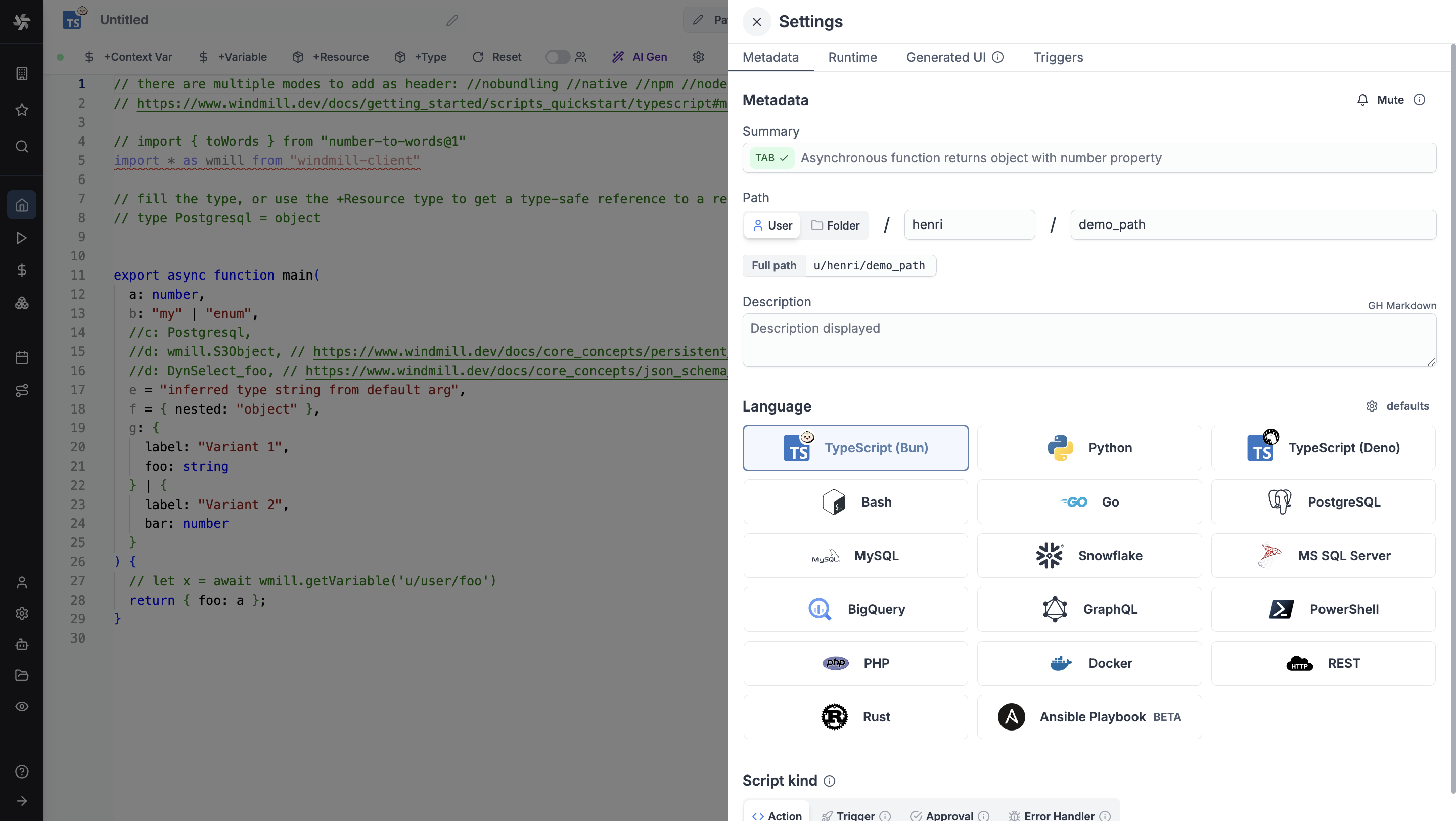
- Windmill supports TypeScript, Python, Go, Bash, SQL and more languages natively
Architecture and development experience
Both platforms share a similar architecture centered around a queue-based system for event-driven orchestration of tasks and flows. However, there are several key differences in the development experience.
Configuration and workflow building
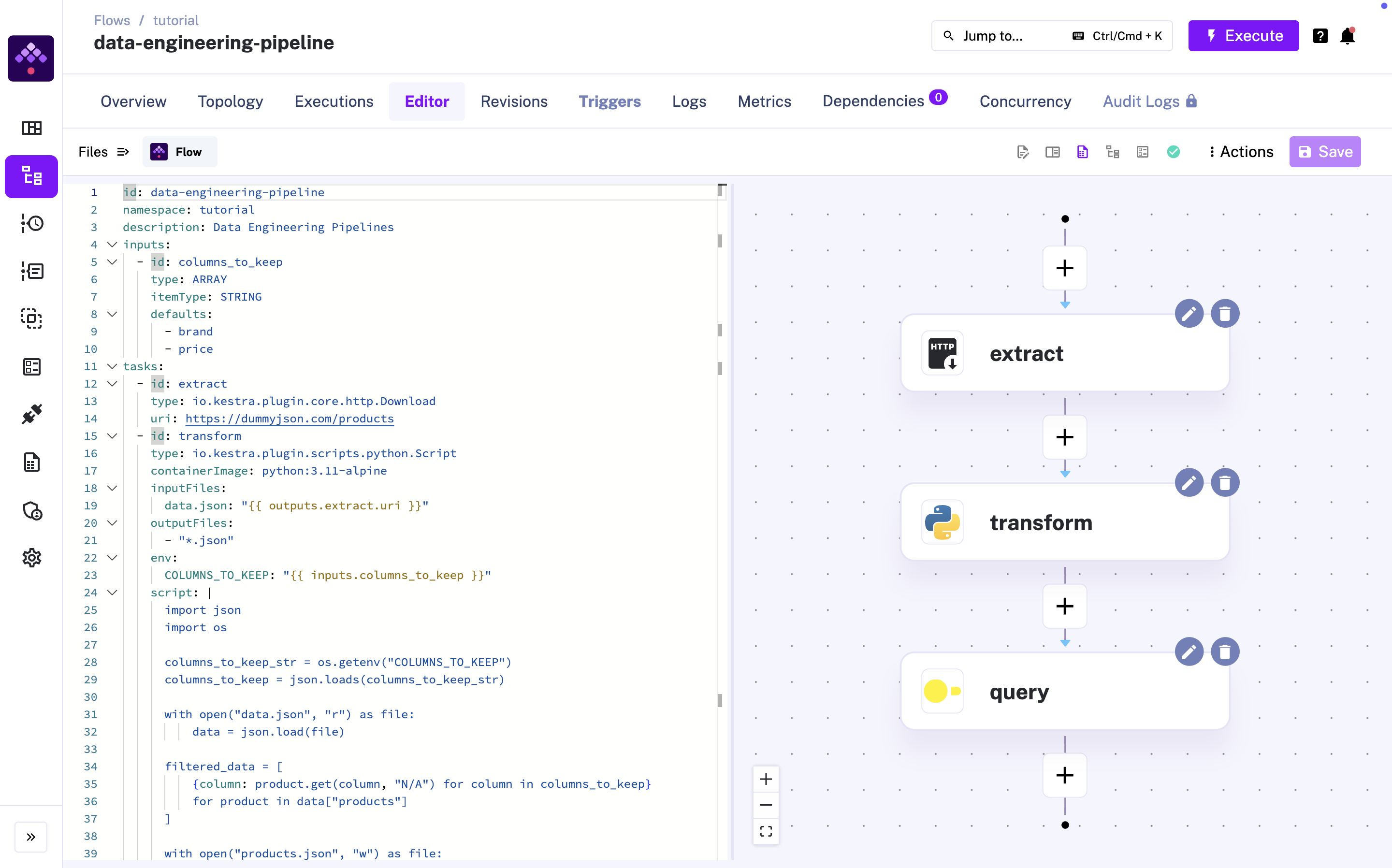
Kestra:
- Uses YAML-first configuration for workflows where scripts are referenced as files (recently introduced a no-code interface for basic workflow creation)
- Requires passing arguments between steps through file I/O
- Passes simple arguments as environment variables
Kestra takes a code-only approach. Workflow creation is done through a YAML file. Each task is a value in the YAML, and most of your tasks will be separate files that need to be referenced in the flow (e.g. Python code can type io.kestra.core.tasks.scripts.Python, io.kestra.core.tasks.python.Commands, io.kestra.core.tasks.python.Script).
Windmill:
- Provides a UI for workflow configuration and step advanced settings
- Offers a visual Flow Editor
- Allows direct passing of arguments between steps
- Supports both UI-based and code-based workflow creation
In Windmill, a step is simply a script in a language—nothing more. From the flow editor, you can select an existing script from your workspace or the Hub, or just write it directly in the integrated code editor. Each step can either be forked or saved as a separate script in your workspace.
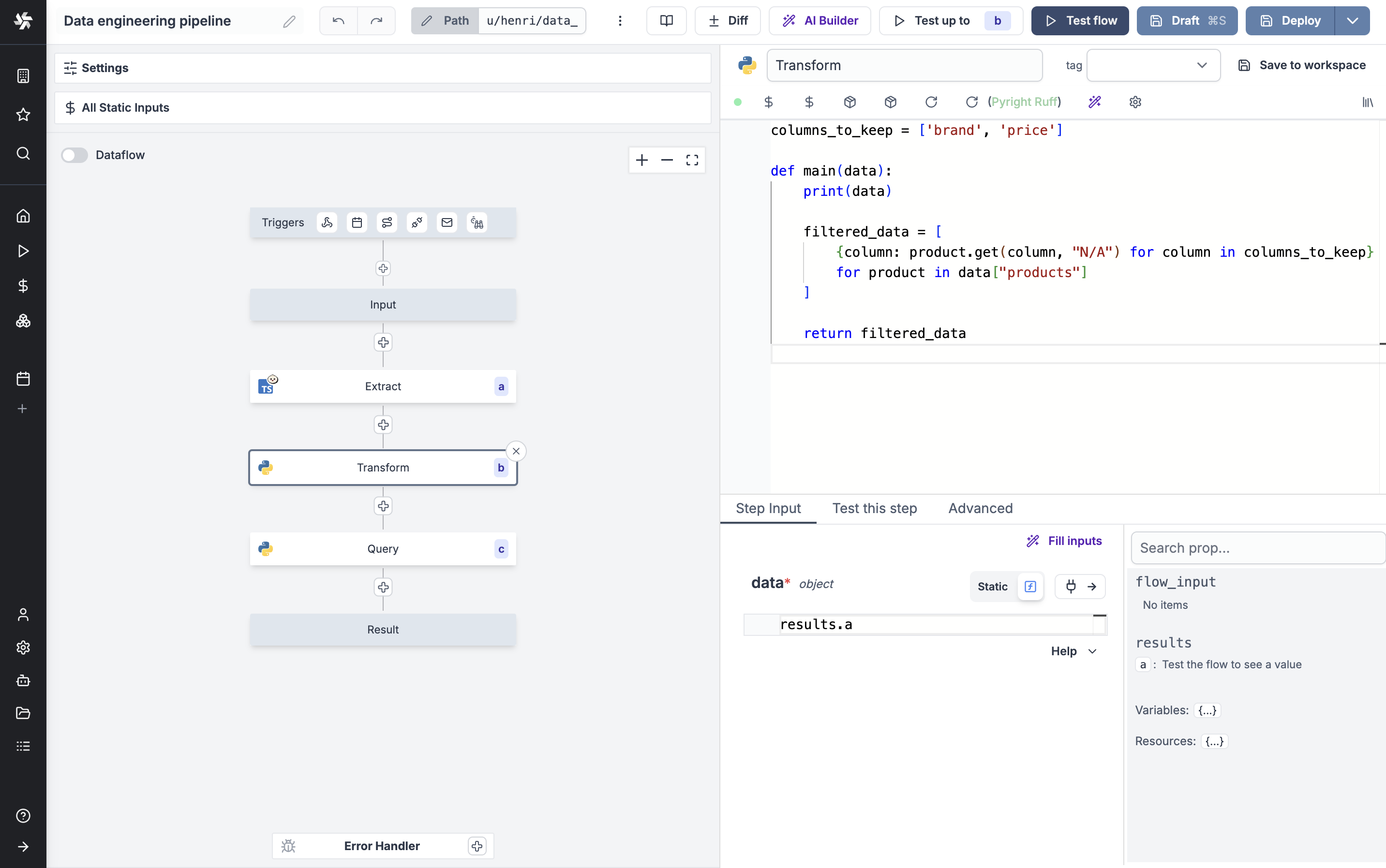
This video shows how to create the same flow in Kestra and Windmill. It does not cover advanced features but focuses on the flow creation experience. For advanced benchmarks, see Performance.
Developer tools
Windmill is designed to integrate seamlessly with your existing tool stack and processes, with specific support for:
- Local development support
- Windmill CLI
- Git sync for version control
- VS Code extension
- Built-in code editor with AI assistance for autocomplete and code generation
Although Kestra offers an alternative for some of these features (Version control with Git, Server CLI), it does not allow for as seamless an integration with your existing tools.
Features comparison
Kestra and Windmill have a very similar set of features as they address the same needs. Both platforms offer core workflow engine features like scheduling, webhooks, and error handling.
However, there are a few features where they stand out from each other.
What Kestra does differently (and well)
- Large number of trigger types through plugins
- Backfill capabilities
- Simple architecture where a script is treated as a one-step flow, only one editor
What Windmill offers additionally
- Automated UI generation for script and flows input fields
- Custom platform (and pricing) for operators to only trigger flows
- Approval steps to pause a flow execution until approval
- Low-code App Editor for building UIs
- Reusable variables, secrets, and resources
- Built-in worker logs and metrics (EE only)
Performance
Windmill's architecture allows runnning each task on the current fleet of worker (which you can auto-scale automatically) and hence do not suffer from cold start. Isolation and creating dedicated dependency environment is the secret sauce that makes Windmill the fastest execution runtime for scripts (10ms cold start).
Windmill can run 26M tasks a month on a single worker costing 5$. Kestra does not provide figures on its average runtime and performance.
Also, Windmill has a transparent API, on which you could imagine launching 1m simulateously by API.
We have conducted benchmarks to measure our performance against our competitors.
In normal mode, Windmill is slighlty faster than Kestra, while in dedicated worker mode, Windmill is 3x faster.
Pricing
Windmill has a transparent pricing policy, with clear steps for implementation. Every feature mentioned above is free with Windmill, unless mentioned otherwise (EE). See all Enterprise Edition features on our Pricing page.
Windmill is cheaper at scale and can be used for free at any scale thanks to its open source nature.
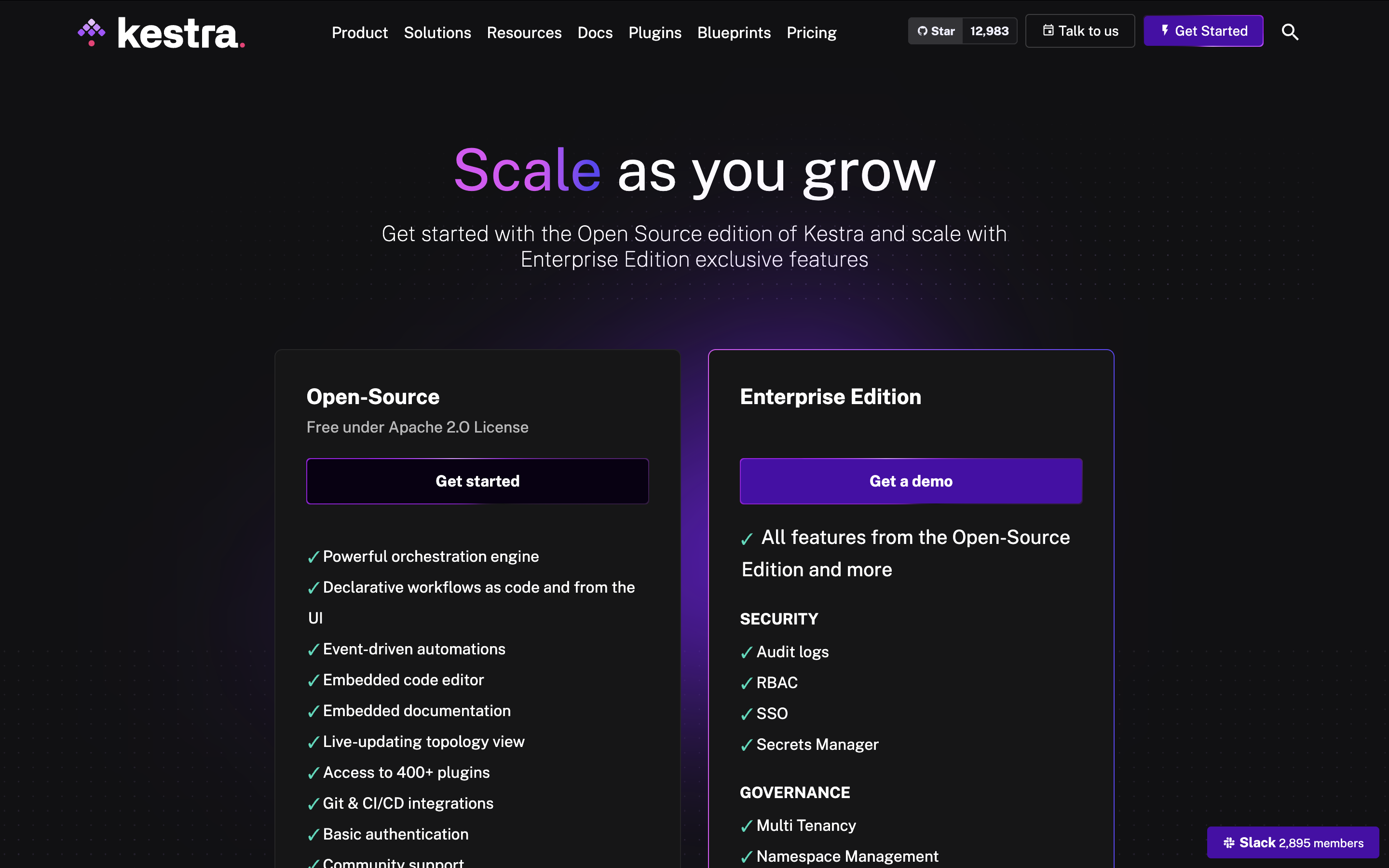
As of November 18, 2024, Kestra does not disclose its Enterprise pricing (see below):
Conclusion
Kestra offers a solid foundation for workflow orchestration with its extensive plugin system. We believe that Windmill is a more intuitive solution for developers: the user doesn't need to "learn" a new framework but simply write code in the language they already know, using the tools they are already familiar with (VS Code, GitHub, etc.). Dependencies are automatically handled and all settings are in an intuitive UI, not in a YAML file that only a few developers in your organization are familiar with.
The choice between the two may come down to specific needs: if you're looking for a pure workflow orchestration tool with extensive plugins, Kestra might be sufficient. However, if you need a more complete platform that includes UI building, automated dependency management, and intuitive development experience, Windmill would be the better choice.